

In the previous article, we showed how different the worlds of home IT infrastructure and the corporate environment are. For most business leaders, it’s natural to have a Wi-Fi router, a laptop, and maybe a few smart devices at home, and if they work, there’s no problem. However, the same logic cannot be applied to corporate operations, because while IT is mostly a matter of convenience at home, a company’s fundamental business continuity depends on it.

In this article, we dig one level deeper: we will show the fundamental differences between home and corporate IT security, and why it is dangerous for someone to try to manage corporate protection with the “it hasn’t been a problem so far, why would it be now, this will be fine” mindset. A single infected attachment, a compromised password, or an out-of-date system can stop entire processes, endanger data, or even result in serious regulatory fines. While convenience is the primary consideration at home, protection and availability are key in a corporate environment. Corporate IT security does not mean installing a piece of software, but creating a complex strategy that covers every critical point from access management and encrypted data traffic to multi-factor authentication. Here, IT security is not an option, but a business requirement—which must be planned, operated, and continuously reviewed to be up-to-date.
Home vs. Corporate security basics: A tabular comparison
For most home users, digital security means having some kind of antivirus on their machine and not clicking on suspicious links. This mindset, however, cannot be transferred to the corporate sphere. In a company’s operations, IT systems are no longer just “add-ons,” but critical infrastructures whose failure or vulnerability can pose serious financial, legal, or reputational risks.
IT security is therefore not a single piece of software or a device, but a layered defense strategy that encompasses data, devices, the network, and users. The following table summarizes the fundamental differences that characterize home and corporate security environments—and why the same tools, attitudes, and practices cannot be applied on both sides.
| Security Area | Home Environment | Corporate Environment |
| Antivirus Protection | Basic level, sometimes expired license | Centralized, supervised virus and malware protection |
| Permissions | Everyone is an admin | Role-based access management |
| Network Protection | Basic router, UPnP open | Corporate firewalls, separated segments, IDS/IPS |
| Updates | Manual, no system admin | Centralized updates, patch management |
| Logging | None | Full audit trail for all access and events |
| Authentication | Simple password | Two-factor authentication (2FA), SSO solutions |
| Data Backup | Occasional cloud backup | Automated, versioned backups, local + cloud backup |
| Access Tracking | None | Comprehensive access logging |
What can happen if security is not system-level?
Many business leaders fall into the trap of considering their own company “too small” or “not interesting” in the eyes of attackers. The line of thought often goes: “we don’t have any special data, there’s nothing to steal, we are not a target.” The reality, however, is that it is precisely these companies that are the most vulnerable—because they are not prepared, and attackers know this perfectly well. If security is not integrated into the company’s entire IT architecture—from entry points and user permissions to system updates—then the defense is haphazard, and an attack is only a matter of time.
Modern cyber threats do not pick and choose by hand: automated scripts and botnets scan the internet, looking for the smallest gap through which they can enter. Small businesses are the most vulnerable targets—and for that very reason, they often become them. They do not have serious defense systems and often use outdated infrastructure, making them easy prey for attackers. Automated attacks carried out by botnets scan the entire internet daily. They do not discriminate: if a vulnerable service or port is found, it is exploited—even without human intervention.
Modern cyber threats do not pick and choose by hand: automated scripts and botnets scan the internet, looking for the smallest gap through which they can enter. Small businesses are the most vulnerable targets—and for that very reason, they often become them. They do not have serious defense systems and often use outdated infrastructure, making them easy prey for attackers. Automated attacks carried out by botnets scan the entire internet daily. They do not discriminate: if a vulnerable service or port is found, it is exploited—even without human intervention.
A single misconfigured service—such as an open port, a router left with a factory password, or firmware from years ago—is enough to provide an attack surface and become an entry point into the network. Several recent reports from IBM (such as the Cost of a Data Breach Report 2023/2024) also point out that a significant portion of cyberattacks do not necessarily target the systems perceived as most valuable, but those that are easily accessible or outdated. This is because attackers’ goal is often not to obtain the greatest value, but to get into the network with the least resistance.
The biggest misconception is that the goal of an attack is always specific data theft. In many cases, the goal is just to exploit the network’s resources (e.g., sending spam, crypto-mining), or to serve as a starting point for an attack against another organization. But the consequence—data loss, downtime, loss of trust—always hits the company.
Examples of real threats – and their prevention
Example 1: Malicious Email + Weak Password = Entry to the Company
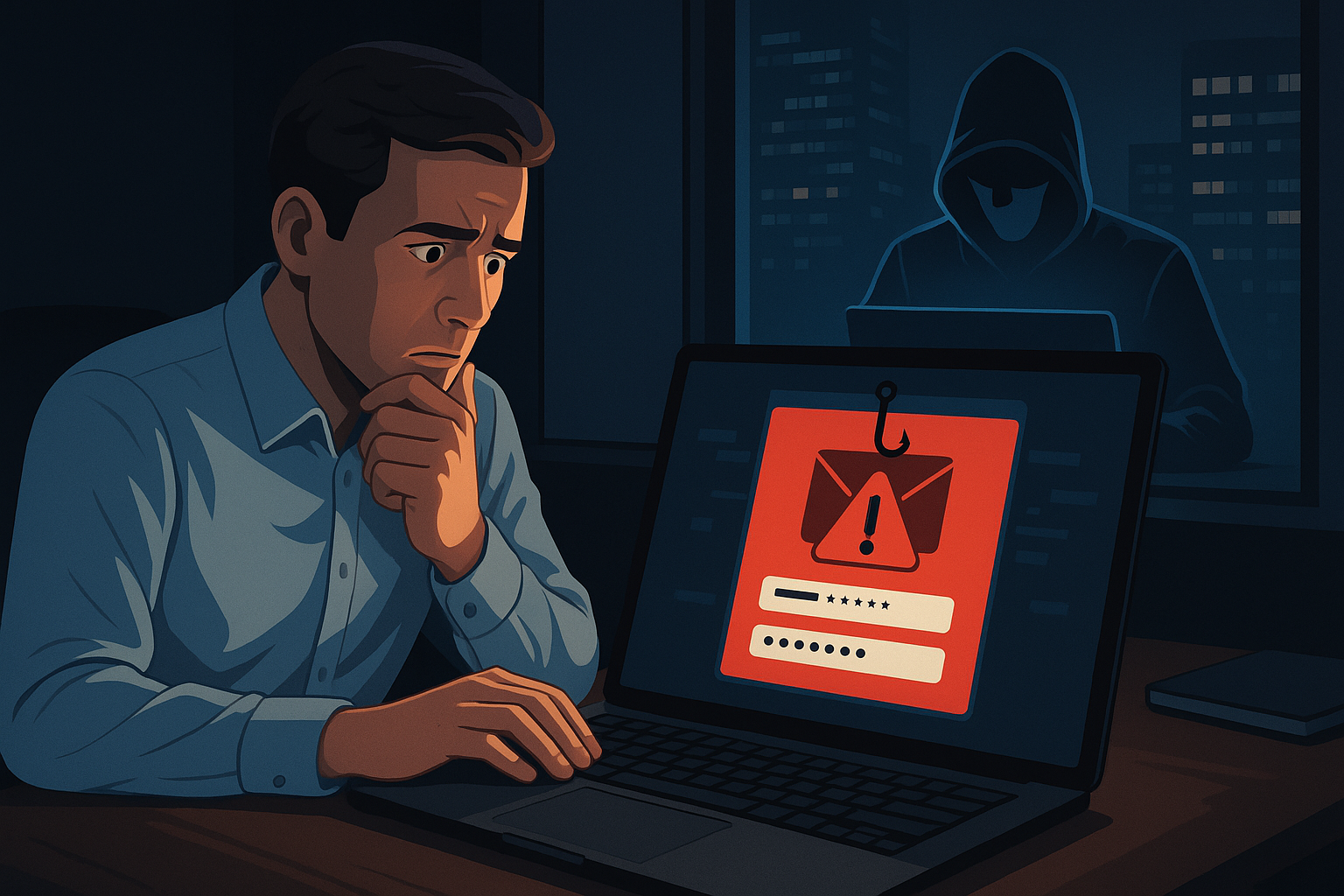
Most cyberattacks do not start with “hacking,” but with a click. In one case, an attacker sent a targeted spear-phishing email to a financial administrator, citing a request for an invoice modification, and directed the employee to a fake login page. The colleague opened the email, entered their corporate email address and password, and with that, the attacker immediately gained access to the entire mailbox. The problem here was not just the weak password—but also that there was no secondary protection, i.e., two-factor authentication. The perpetrator could thus log into the corporate email system remotely without any issues and tried to obtain data and financial information by forging further internal emails.
At the corporate level, such an attack could be avoided with the following technical and administrative measures:
– password policies (e.g., minimum length, use of upper and lower case letters, numbers, special characters),
– regular password changes and setting an expiration date,
– mandatory two-factor authentication (e.g., Authenticator app, hardware token, or biometrics),
– login logging and detection of suspicious behavior (e.g., a sudden IP address from another country).
To fend off this type of attack, the good faith of users is not enough—system-level security rules are essential.
Example 2: Remote working colleague, open port, undetected intrusion
A company’s engineer working from home had remote administration enabled on their home router, which was never turned off. Moreover, the factory password was never changed. An automated scanner detected this vulnerability, and the attacker logged into the device within minutes.
Meanwhile, the engineer’s computer had an active VPN connection to the company’s internal network, so through the home machine, the attacker gained a gateway into the corporate system. Taking advantage of this, they accessed network shares and internal documents—and the user never even noticed.
How can this type of access risk be prevented?
– Introduction of MDM (Mobile Device Management) solutions that supervise and control corporate machines, even when they are on a home network,
– Device-based authentication (e.g., VPN can only be used from registered laptops),
– VPN connection permitted only from a machine running an approved and updated operating system,
– Endpoint protection: antivirus/EDR solutions that detect unusual behavior and intervene.
This example clearly shows that the employee’s good intentions are not enough—the protection must be system-level, otherwise the corporate VPN is not a defense, but a risk.
Example 3: Outdated device in the production chain = Critical vulnerability
On an industrial partner’s network, an old PLC (Programmable Logic Controller) used for monitoring the production line was installed years ago—and had not been updated since. The firmware running on the device contained a 2019 vulnerability, which has since been exploited by several known attack methods.
Attackers identified the internet-facing interface with a simple Shodan search and were able to take control of the device using a known attack pattern. This not only halted production for hours, but following the event, the authorities also ordered a data protection audit and imposed a serious fine for lack of regulatory compliance. Similarly to what a DarkReading article describes about a vulnerability in Rockwell PLC controllers, this case also clearly shows how a vulnerability in an old, un-updated PLC firmware can allow attackers to take control, which can lead to a serious production shutdown, a regulatory audit, and even a fine.
How can this be avoided in an OT (Operational Technology) environment?
– Separating OT devices from corporate IT (e.g., according to the Purdue model),
– Scheduling continuous firmware and software updates, following manufacturer security bulletins,
– Introducing an iDMZ (Industrial Demilitarized Zone), which provides strictly controlled access between IT and OT,
– Regular security audits and NIS2 compliance checks.
This story highlights that the protection of OT systems is not just an IT issue, but also a matter of production and legal risk management.
5 Core principles without which there is no corporate IT security
Many people still think of IT security as a product that can be purchased once: ‘we have a firewall, we’re done’. In reality, however, security is based on principles that are founded on global best practices and the experience of thousands of companies—and these are no longer just the “privileges” of multinationals.
Here are the 5 most important core principles, without which every corporate IT system poses a risk—even if at first glance, “everything is working”:
- Zero trust principle: No one and nothing is automatically trusted, even if it comes from within the network. Every access, every request must be authenticated, whether it is an employee, a device, or an application. This principle is particularly important for hybrid work or remote access, as attackers often try to obtain internal permissions first.
- Principle of least privilege: Every user and system only has access to what is necessary for their work. This reduces the damage caused by human error or intentional misuse and makes access chains more transparent. An intern does not need admin rights, and a finance employee does not need to access server configurations.
- Separated networks: In home networks, all devices connect to a single shared Wi-Fi. In a company, however, network segmentation is a minimum requirement, which separates, for example, the guest network, the administrative segment, the OT production lines, or IT management. If a breach occurs somewhere, at least it will not spread to all devices.
- Up-to-date systems: Un-updated operating systems, routers, or applications are practically an open gate for attackers. Secure IT operations include a regular update and patch management process, and monitoring and closing vulnerabilities. It is important to know that many attacks exploit a flaw for which a fix already exists—it just hasn’t been installed.
- Continuous monitoring: It is not enough to set up the systems “well once.” IT environments are constantly changing; new devices, users, and software appear, and these can bring new risks. Therefore, constant logging, analysis, alerts, and automated responses are necessary—for example, by introducing Security Information and Event Management (SIEM) systems.
These core principles are no longer optional today—but are minimally expected elements of every responsibly operated IT system. It doesn’t matter if it’s a company of 10 or 1000 people: the level of risk depends not on the number of employees, but on the value of the data and processes. It is worth considering these principles from the system design phase—because fixing them later can be much more costly and painful. If these core principles are missing, there can be direct business consequences: loss of revenue from downtime, fines for data protection incidents (e.g., GDPR, NIS2), and damage to the company’s reputation.

Security is a process, not a product
Corporate IT security is not a box you put on a shelf—but a living, evolving process that requires constant attention and is built on three main pillars:
- Strategic planning: The IT architecture, data protection and access rules, roles, and security goals must be defined before the system is even built. This is where the expectations are decided: who can access what, what data needs to be protected, what requirements must be met (e.g., GDPR, NIS2, or industry audits). This is the foundation upon which technology can only be built.
- Technical implementation: This is the more visible part of the process, where specific devices and software are installed: firewalls, endpoint protection, encryption, access management, separated networks, loggers, VPNs, etc. True security, however, lies in the details here as well: what settings we apply, how we authenticate, where we close open protocols.
- Continuous operation: As we wrote earlier, security is not a static state, but a dynamically changing environment. Employees come and go, new devices connect to the network. These all can bring new risks. Therefore, regular monitoring, incident response, access review, reporting, and logging are essential. Without proper control, an attack can go unnoticed for weeks.
This is the mindset with which the experts at Unicorn CT support their clients on a daily basis—not just in setting up a firewall, but in building and maintaining the entire defense chain. From strategic planning, through implementation, to active, proactive operation: we provide the expertise and technological background in every phase so that our clients’ systems not only work—but are also secure.
Summary
Corporate-level IT security is therefore not just a technological issue, but also an organizational, strategic, and operational one. For well-thought-out protection, a single device or measure is not enough—companies need to apply a complex security framework that covers devices, access, data, users, and network traffic. Official materials from Cisco detail how a modern IT security strategy consists of multiple layers—it is built not only on technological tools but also on human factors, processes, and environmental controls.
Next part: IT is not just a purchase – You also have to know how to operate it
Many people think that IT security and IT infrastructure can simply be “bought.” In reality, however, the investment is just the beginning. The next part will be about what corporate-level IT operations mean: how monitoring is done, what support levels are needed, and how stable, secure operation can be ensured even when something fails.
Join us next time—the title of the next article is: “Why is the ‘the machine is working fine’ mindset not enough?”. We will show why you cannot make decisions about corporate IT with an end-user logic, and why every IT decision is a strategic issue.
Frequently Asked Questions
1. Why is a good antivirus not enough on corporate machines?
Because antivirus is just one layer. A significant portion of attacks do not come in the form of classic viruses, but through phishing emails, ransomware, or internal misuse of privileges. True protection is system-level: from access management and logging to security backups.
2. What does “zero trust” mean?
The “zero trust” principle means that no one—not even from the internal network—is automatically granted access to anything. Every connection and request must be authenticated, thus reducing the risk of internal threats and attacks.
3. My company is small, they won’t attack us – is that true?
No. Most attacks are automated and do not discriminate by size or industry. SMEs are often easy targets because they do not have an established security system—and attackers know this perfectly well.
4. What is the difference between IT and OT security?
IT refers to the protection of classic information technology systems—email, file sharing, ERP. OT (Operational Technology) refers to the devices that directly influence production. An OT failure can mean not only data loss but also a production shutdown—which is why OT protection requires special attention.
5. Why is two-factor authentication (2FA) important?
Because a password is never enough. Most breaches start with a weak or stolen password. Two-factor authentication (e.g., SMS, app, or biometrics) can prevent login even if the password has been obtained.
6. What is patch management and why is it important?
Patch management is the regular installation of software updates and security fixes. Most attacks are based on known, public vulnerabilities—if these are patched, attackers cannot get in.
7. What is logging, and why should I care about it?
Logging records every event: who, when, from where, accessed what data. This is not only good for backtracking but also for detecting attacks, auditing, and legal compliance (e.g., GDPR, NIS2).
8. What first steps can I take to increase my company’s security?
Have centralized antivirus protection, mandatory 2FA, and regular backups. These basics already greatly improve protection.
9. How can the risk from remote work be protected?
MDM, device-based VPN, and endpoint protection—together, these ensure that a remote working colleague does not become a weak point.
10. How can Unicorn CT help in establishing corporate IT security?
We help in designing the architecture, selecting the right technologies, and also provide proactive protection during operation. Our services (BELSŐ LINK) include all the necessary competencies—from basic settings to compliance. Request a consultation with our experts, and we will show you how to build a secure corporate IT environment step by step.