
When most business leaders think about IT infrastructure, they start from their home experiences: there’s a laptop, a well-functioning Wi-Fi router, a few smart devices, and “everything works.” But can the same logic be applied to a business with multiple employees?

IT experiences brought from private life naturally influence how a leader thinks about corporate IT. At home, most of us have some kind of internet connection, one or two devices we use, and if they work, we tend to feel that corporate IT can’t be much more complicated. However, this mindset can become dangerous as soon as the company’s size exceeds a certain threshold: for example, if there are different departments, multiple locations, or even just more than 10–20 people working together. In such an environment, the “one laptop, one router, one flash drive” model is not only insufficient but can become downright risky. Corporate systems don’t just handle data; they ensure business continuity, serve services, store customer data, and control business processes. They are more vulnerable, can become targets, and require a completely different kind of attention, protection, and operation.
In this article, we will show why it is dangerous to approach corporate IT with an end-user mindset. Through understandable examples, we will clarify how a home environment differs from a company’s operational needs, whether it’s about devices, IT security, access, or performance expectations. Our goal is not to overwhelm the reader with technical details, but to show what can happen when a business leader doesn’t distinguish between their own home devices and the company’s IT environment.
A well-functioning home network is no guarantee that a company’s IT is also adequate. The differences stem not only from size but also from complexity and responsibility. At home, you don’t have to manage permissions, there’s no logging, no auditing obligation, and we don’t store sensitive customer data or operate critical systems. In a company, however, all of these are fundamentals. This article will serve as a guide for those who want to better understand what corporate IT means and how it differs from the “simple” IT background we’re used to at home.
Why the “It works for me at home” mindset doesn’t work
In a home environment, IT primarily serves convenience. The goal is for the Wi-Fi to be available in every room, for the laptop to turn on, for emails to arrive, and for Netflix not to buffer. In most households, a central router and a few smart devices make up the entire network, and if they work, we are satisfied.
However, this “as long as it works” attitude can lead to serious problems in a company.
For a company, IT must not only work, but it must perform stably, reliably, securely, and continuously, all while serving the needs of different job roles, departments, and business processes. The systems are interconnected, access is tied to permissions, and the speed and accuracy of information flow can often mean a competitive advantage—or a disadvantage if it doesn’t function properly.
The “just have internet” way of thinking does not take into account the protection of corporate data assets, the conditions for legal compliance, the complexity of system integrations, or the issue of scalability.
Moreover, at home, usually no one monitors who connects, when, and to where. For a company, this is a serious security issue: who can access customer data? What happens if a malicious insider or an external attacker gains access? How do you find out if a device gets infected? The home approach simply does not provide answers to these questions, and that is precisely why a company’s IT strategy cannot be approached with an end-user mindset.
1. Device fleet: It’s not the size of the hardware that matters
| Home | Company |
| 1 router, 1-2 laptops | Multiple switches, firewall, server, backup |
| Minimal maintenance | Regular updates, maintenance |
| Replace device when it breaks | SLA, contractual service support |
At home, replacing a single failed device, such as a router or laptop, is merely a matter of convenience that the owner can resolve at any time. 1In a company, however, the failure of network devices or servers can cause not only inconvenience but also direct financial damage. A faulty firewall or file server, for example, can make corporate systems unavailable for hours or even days, halting production, service, or administration.
Such outages not only paralyze operations but also jeopardize the customer experience and the trust of partners.
That is why it is essential for the corporate device fleet to be professionally managed and to have secure backup devices, a maintenance protocol, and contractual service support. Ensuring continuous operation and business continuity is no longer an optional extra, but should be part of basic IT and network management.
2. Security: From antivirus to multi-factor authentication
Most home users make do with a free antivirus and perhaps a simple password. In reality, however, a corporate environment represents much greater exposure: the data has business value, so it can become a target. A single compromised account or an open port may be enough for an attacker to gain full control over a company.
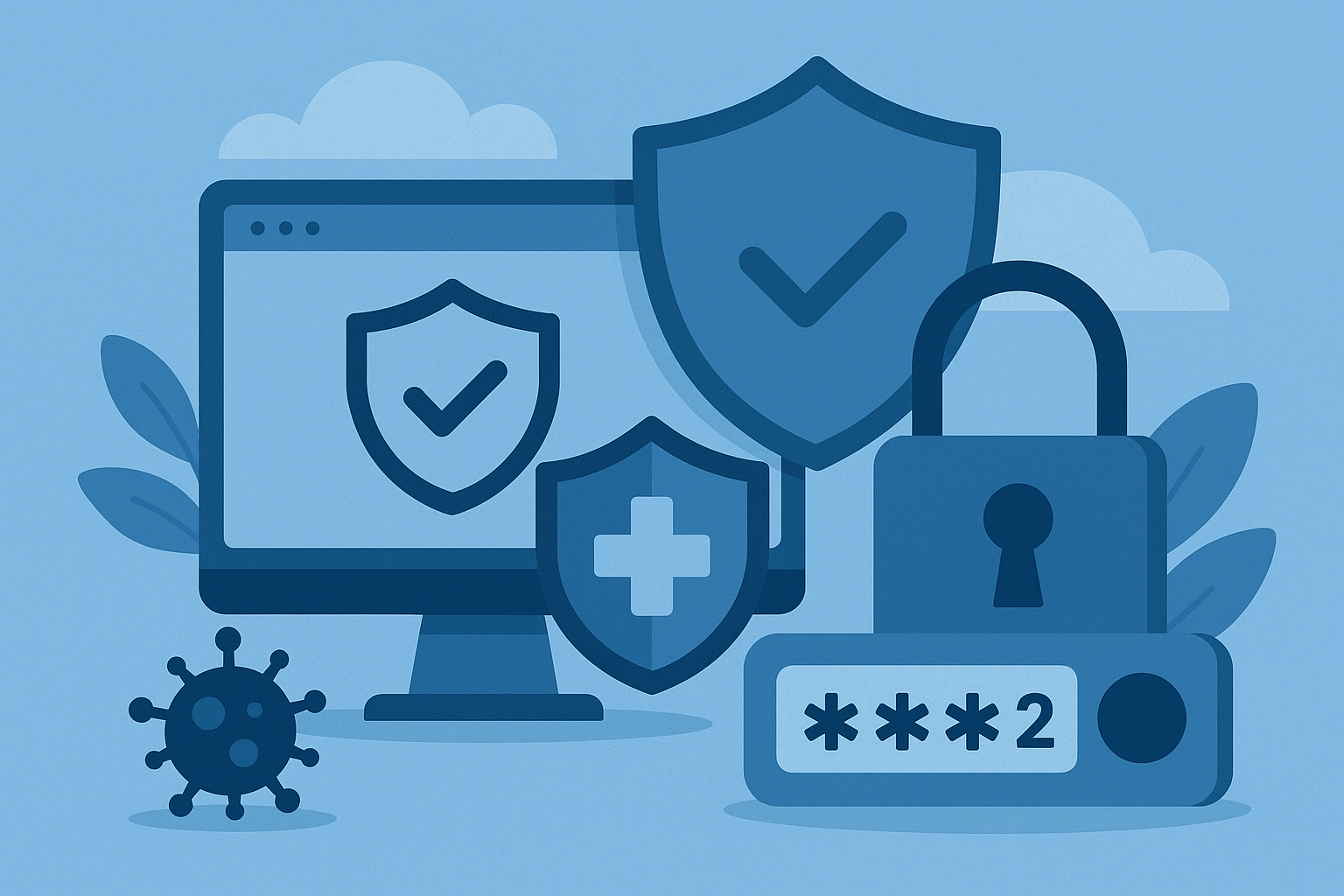
It is no longer enough for companies to use their devices “carefully”; they must consciously plan how they protect their data and systems. This is not only a technical issue but also a legal, business, and trust issue with customers. Hybrid work makes this even more complex: if an employee uses a corporate laptop on a home network, the security levels of the corporate data protection and the home environment must be synchronized.
In a modern corporate IT environment, the following security elements are fundamental:
– Role-based permissions
– Access logging
-Protected data transmission (VPN, TLS, etc.)
-Two-factor authentication
– Corporate firewall and intrusion detection systems
These solutions do not just protect against a single threat; they provide system-level security. An attack often doesn’t start where it ends, which is why access control, logging, and proactive monitoring are so important. Without IT security and protection, these remain isolated solutions, whereas true security can only be provided by an integrated system.
At home, these functions rarely appear, and most people don’t feel the need for them. In a company, however, it is not just recommended, but may even be mandatory: GDPR, an ISO audit, or a sector-specific regulation may require the presence of such protection.
3. Availability: At home we wait, at work we stop
A home internet outage or a rebooted router is inconvenient, but rarely causes serious problems: at most, a video call is missed or the next episode of a Netflix series is delayed. Most households are used to having to wait sometimes or experiencing technical glitches, but this kind of “patience” can cause serious damage in a corporate environment.
Every minute counts in a company’s operations. If the system becomes unavailable, it is not just an inconvenience, but also a business continuity risk. In digitized companies, almost every process depends on the IT infrastructure: from customer service, through production and logistics, to financial accounting.
A few examples of where poor availability can cause problems:
– An interrupted VPN connection can halt logistics because the warehouse cannot send or retrieve data from the central systems.
– A down file server means incoming orders cannot be processed, and documents and process descriptions are unavailable.
– A seemingly minor Wi-Fi disruption can cause a complete shutdown of customer service, as telephone or online communication may be interrupted.
That is why ensuring proper availability is a key issue for companies. To this end, they use technical solutions that minimize the chance of outages and enable a quick response even in the event of a problem:
– Redundant internet connections that automatically take over traffic in case of failure,
– Servers protected by an uninterruptible power supply (UPS) so that business applications do not shut down during a power outage,
– System supervision (monitoring) solutions that predict resource problems or warn of errors.
However, these components only work really well if they are part of a unified, well-thought-out infrastructure. The creation and coordination of such an environment typically takes place within the framework of system integration, where every technology is put in the right place, and together they ensure continuous, stable operation.
4. Access management: Is everyone an admin at home?
In a home environment, IT security often plays a subordinate role: it’s enough if “the internet works” and everyone can access their device. It is common for parents, children, and even guests to work with the same user profile, without different permissions. In most cases, this doesn’t cause a problem, but in a corporate environment, this kind of “laxity” can have serious consequences.
One of the cornerstones of a well-functioning corporate system is access management, which ensures that every user has access only to the data and functions they actually need. This is not just an information security issue, but also an operational and compliance requirement. Without strict access control, companies cannot comply with regulations such as GDPR and expose themselves to serious risks during internal errors or external attacks.
Some possible consequences if there is no proper access management:
– An intern could accidentally delete the database,
– A departing colleague could access the CRM and even take business data with them,
– A malicious application could read data without authorization if there is no separation.
Therefore, in a corporate environment, data security is ensured by a strict set of rules, logging, and automated access management. This is particularly important in cases where multiple departments, projects, or partners work within a single system: in such cases, the separation of on-site data traffic is crucial, as this prevents a user or device from gaining unauthorized visibility into other systems or data.
5. Scalability and control – The biggest difference
In a home environment, connecting a new device usually means entering the Wi-Fi password, and with a few clicks, the connection is working. In most cases, it doesn’t matter who uses the device or for what purpose; the system is not built on complex rules.
In a company, however, the situation is completely different: the expansion of the IT environment must be a structured and controlled process, otherwise the system’s integrity and security can easily collapse. The integration of every new device—be it a laptop, mobile phone, printer, or server—is done according to specific steps. These are not administrative burdens, but the conditions for transparent, scalable, and secure operation.
In a corporate IT infrastructure, you cannot and should not “just” connect devices to the network, because that could compromise the security or functionality of the entire system. So, in corporate practice:
– The device must be documented (asset inventory, owner, type, status),
– It must be integrated into the system (e.g., Active Directory, Mobile Device Management – MDM),
– Access rules must be set (in which network zone it can operate, what permissions it receives, how it can be tracked).
This controlled process is essential not only for security reasons but also for scalability: this is how a new department, workgroup, or even a new site can be integrated into the existing system so that the entire company continues to operate stably and reliably. The situation is particularly complex in the case of acquisitions or mergers, when up to several hundred devices, previously operating with different settings and security levels, must be integrated into the corporate network at once: this requires serious preparation and a strict standardization process.
+1: Who do you turn to when there’s a problem?
In a home environment, if a device breaks or a program won’t start, a quick search on YouTube, browsing a forum post, or help from a neighbor is often enough. These solutions often work, but only as long as it’s not a corporate-level problem. Corporate IT systems are much more complex, so problem-solving cannot be based on ad-hoc solutions.

In a company, IT problems mean not just annoyance, but real business loss: processes can stop, data flow can be interrupted, and even customers can be lost if there is no quick and professional intervention. That is why it is extremely important that the corporate IT background can be not only established but also operated and supervised in a professionally sound manner.
According to Gartner’s estimate, the average cost of an IT outage is $5,600 per minute (approx. $336,000/hour), and for many companies, it can cause losses of up to millions per hour. A possible solution is the introduction of the virtual CIO (vCIO) role, which provides complete strategic and operational IT management even if the company does not have its own CIO. The vCIO, working under or alongside the company’s management, takes care of system security, development, and rapid intervention.
And for this, the following are essential:
– Expert support: A knowledgeable, experienced IT partner or internal professional who knows the system architecture and does not improvise, but intervenes in a targeted manner.
– Documented fault handling: Every incident is tracked, traceable, lessons can be learned, and recurrences can be avoided.
– Proactive monitoring: You shouldn’t react when trouble has already happened. Modern IT systems predict the possibility of errors, so they can likely be prevented.
This approach is not just the privilege of large corporations: in a well-designed service model, IT support based on serving individual needs is just as accessible to domestic small and medium-sized enterprises: flexibly, cost-effectively, yet at a high professional level. The decisive difference is not the size of the device fleet, but the attitude: prevention and foresight are always cheaper than damage mitigation.
To be continued…
In the next part of this series, we will delve deeper into how a home and a corporate network differ technically: what a segmented, protected system looks like, what protocols and devices guarantee reliable operation, and what all this means from a business perspective. In the next article, we will examine what really protects a company: what is the difference between having an antivirus running on a home machine and having everything designed according to IT security principles in a corporate environment.
Frequently Asked Questions
1. Why shouldn’t I think that my home system is enough for a company?
Because the goal is different: at home, convenience matters, but a company also needs data security, business continuity, and scalability. One router might be enough at home, but not for your company.
2. What could go wrong if “everyone is an admin” at the company too?
Sooner or later, someone will delete something by accident or out of malice. Without access management, it’s uncontrollable who has access to the data.
3. Isn’t it enough to have a good antivirus on corporate machines?
No. Antivirus is only the first line of defense.A company needs to build a much more complex protection system: VPN, firewall, logging, two-factor authentication, etc.
4. Why do systems need to be kept up-to-date?
Because every update patches another security hole. If you don’t update, you leave an open door for attackers.
5. What is “business continuity” and what does it have to do with IT?
It means your company continues to operate even when there’s a problem. A down server is not just a technical error, but lost revenue, dissatisfied customers, and a loss of reputation.
6. Do I need a separate IT partner if we’ve “managed it in-house” so far?
If you have an in-house team, that’s great, but it’s often not enough. An external, specialized partner sees the system with a different perspective and also helps with strategic planning.
7. Why is everyone talking about a segmented network?
Because it’s one of the most effective ways to protect critical systems: for example, to prevent a device connecting to the guest network from accessing the file server.
8. Aren’t all these security rules an exaggeration?
No. If your company suffers damage due to an attack or data loss, it always turns out in hindsight that it would have been cheaper to prevent it.
9. Why don’t I see the problems in advance?
Because the home mindset is reactive: you look for a solution when there’s already a problem. Corporate IT is proactive: it monitors, predicts, and prevents.
10. Where should I start if I want to manage my company’s IT more professionally?
Start with the basics: device fleet assessment, access management, network segmentation. And find a partner who tailors the solution to your company’s size and operations.